When you click on links to various merchants on this site and make a purchase, this can result in this site earning a commission. Affiliate programs and affiliations include, but are not limited to, the eBay Partner Network.
CRC ERRORS AND FAILED HARD DRIVE BOOTS?
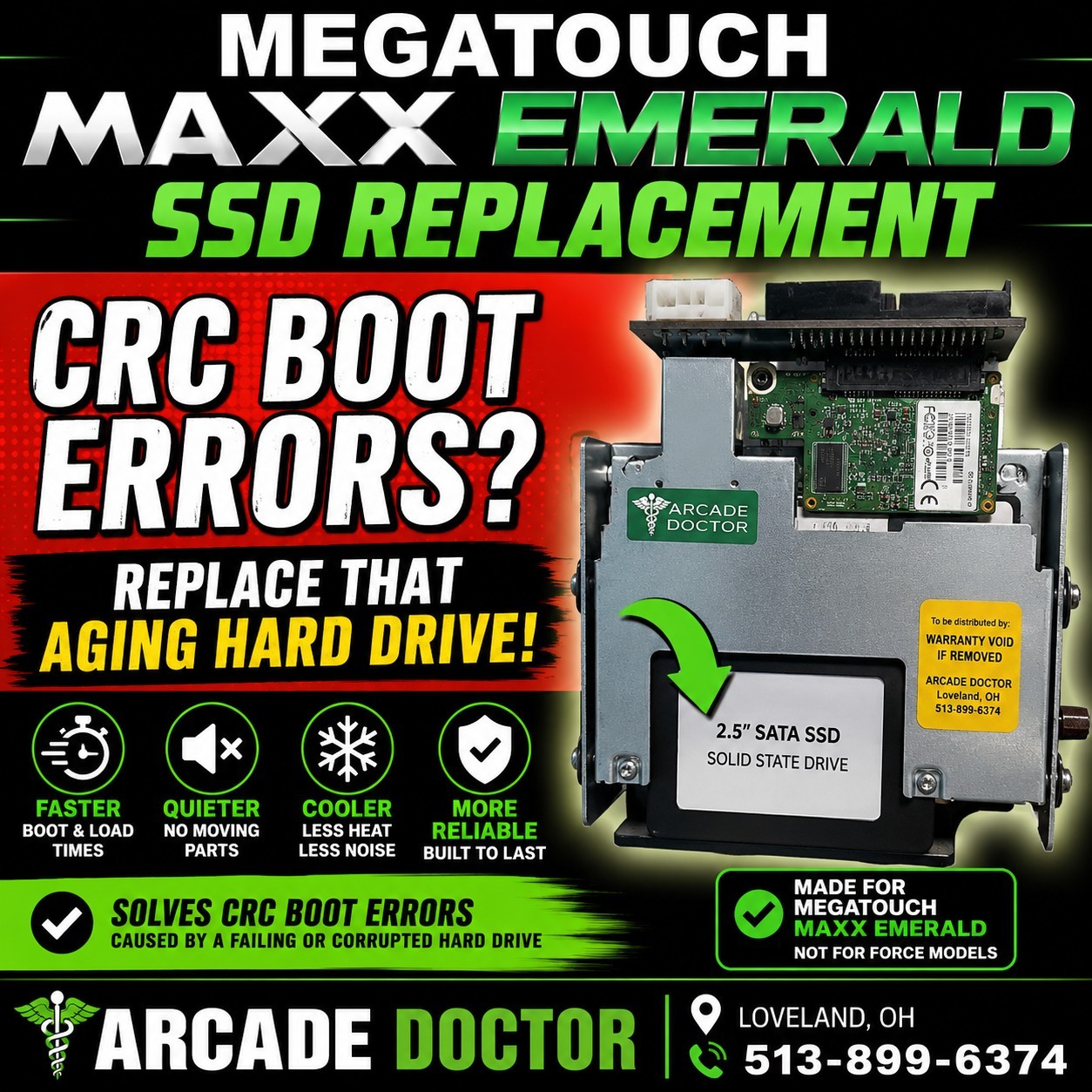
Is your Megatouch MAXX giving you CRC errors, failing to boot, or taking forever to load?
Replace the aging original hard drive with a modern SSD-based replacement and give your MAXX Emerald a much more reliable storage solution.
WHAT THIS SOLVES
This replacement is specifically intended for Megatouch MAXX machines experiencing problems commonly associated with the original aging hard drive and failing motherboard, including:
- CRC boot errors
- Hard drive read errors
- Corrupted or unreadable game files
- Slow booting
- Clicking or failing hard drives
- Intermittent boot failures
WHY UPGRADE TO AN SSD?
The original mechanical hard drive in these machines is now many years old. Even if it still works, its remaining lifespan is questionable.
An SSD provides:
- No moving parts
- Faster boot and loading times
- Quieter operation
-Lower power consumption
- Much better resistance to vibration
- A modern replacement for the aging original drive
MADE FOR MEGATOUCH MAXX
This listing is for the MAXX, NOT the Megatouch Force version.
Please verify your machine is a MAXX before purchasing.
ARCADE DOCTOR
Replacement parts and upgrades for classic Megatouch arcade machines. Visit us at www.arcadedoctorparts.com